
KDL Desk
Clients, quotes and invoices — no cloud, no subscription.
FREE- Version
- 1.2.0
- Updated
- 2026-08-04
- Runs on
- Windows · macOS · Linux
- Who it's for
- Tradespeople, very small businesses and associations
- Status
- Stable release
- Publisher
- KDL TECH
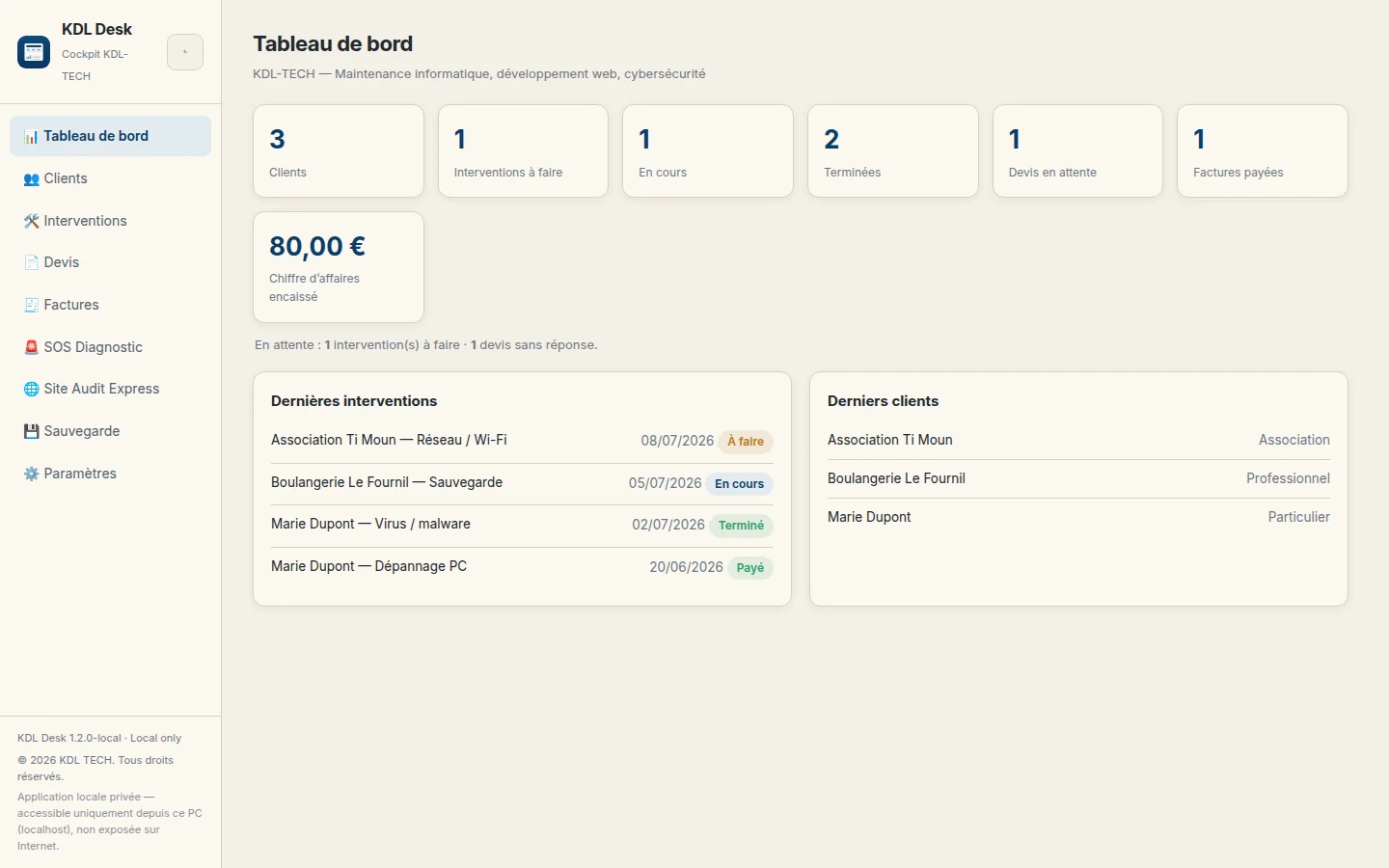
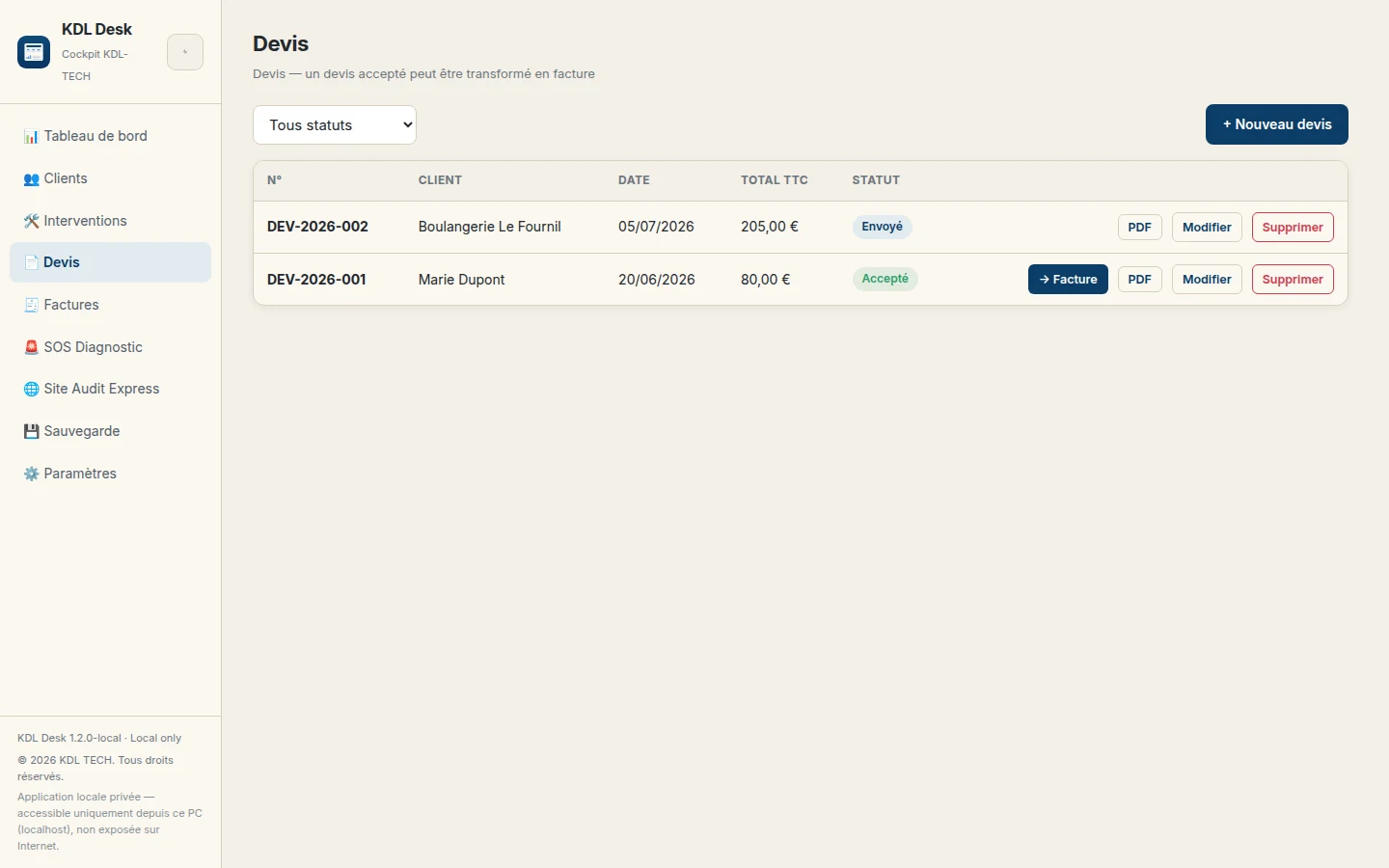
Real screenshot of the application
Clients, quotes and invoices — no cloud, no subscription.
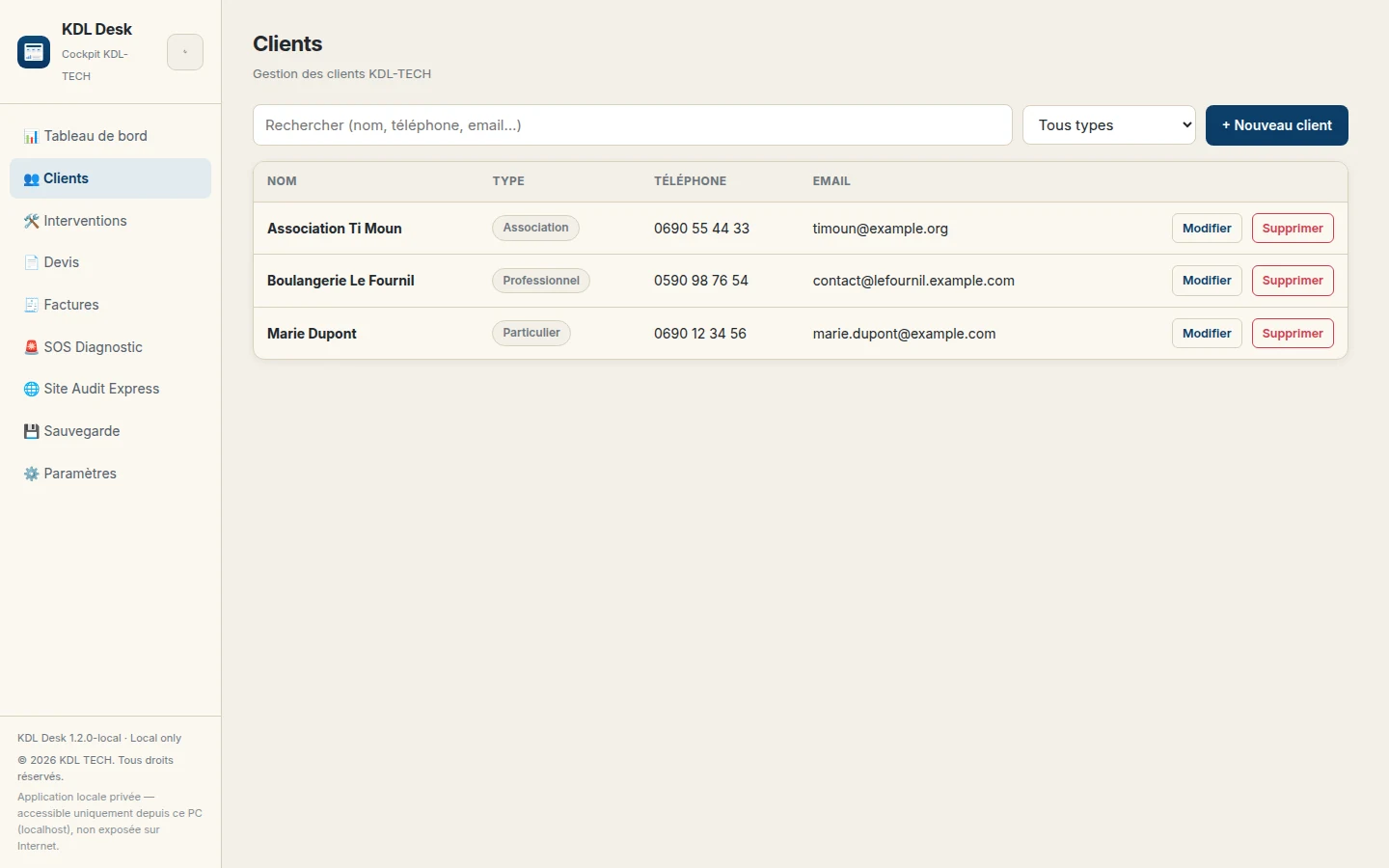
KDL Desk gathers the daily paperwork of a tradesperson or a very small business into a single application installed on your machine: client records, job tracking, quotes, invoices and clean PDF output. No data leaves for the internet, there is no account to create, and no subscription is needed to open the software.
- See what a client owes you in two clicks
- Quotes and invoices numbered without thinking about it
- Clean PDFs you can send as they are
- Your client data stays on your computer
- Works offline
What it looks like
Pick your system
Direct download, no account and no sign-up.
SHA-256 checksums for every file are published on the downloads page, so you can verify that the file you received is really ours.
What the software does with your data
The application runs on your machine and only listens locally. Your client data stays in a file you can back up yourself.
Written by KDL TECH
A named workshop in Les Abymes, not an anonymous publisher. Company number published in the footer.
Verifiable download
The SHA-256 fingerprint of every file is published: you can check what you install.
No account, no cloud
The software runs on your machine. Nothing leaves for the internet without your say-so.
Support from the person who codes
A question or a bug: you write to the author of the software, not to a form.
Frequently asked questions
Do I need an account?
No. The application opens and works without an account and without an internet connection.
Where is my data stored?
In a local file on your computer. You can copy it or back it up like any other document.
A question about KDL Desk?
Support comes from the workshop that wrote the software.